Candy AI image generation and prompt controls
Start an image request with a scene you can describe clearly. Decide what should remain consistent, then adjust the few details that matter instead of changing every part of the prompt.
In this article
Put the important details in a useful order
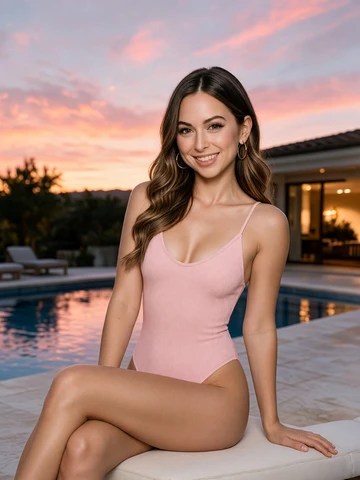
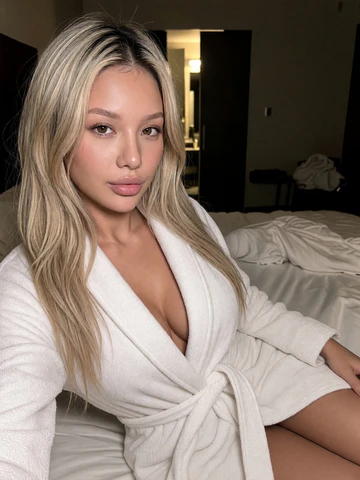
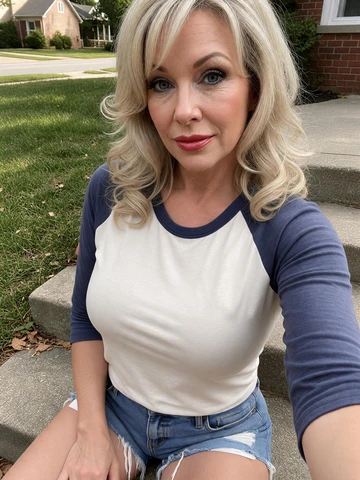
Name an original adult character, the outfit, a location and a composition. For example: a 30-year-old illustrator in a blue jacket, sketching at a riverside table, three-quarter portrait, overcast afternoon light.
The subject and setting support one image. Conflicting camera angles, several outfits or incompatible lighting instructions make the request less clear.
Review the request before spending
- Open a supported image tool or the available image action in chat.
- Choose the character and options you want to use.
- Read the displayed token requirement and check your balance.
- Submit once and wait for the result.
- Open the finished image before saving it or requesting another version.
Turn image replies on or off in chat
For Premium accounts, open the Ask button dropdown and use Image Generation Toggle. It is available on desktop and mobile and starts enabled. Turning it off stops image-triggering chat requests from generating pictures and spending tokens for those pictures.
Confirm the change when prompted. The setting persists across sessions; enable it again from the same menu when you want image replies. It does not change the separate requirements for calls, packs or other media tools.
Use the controls attached to that result
A download, an editing option and image-to-video conversion are different controls. Use the ones actually available; a still image does not guarantee every editing or animation feature.
If one detail is wrong, revise that detail on the next request. Generated output is not an exact-copy guarantee. Use only fictional identities or material you have permission to use, within the content rules.
Common questions
Where can I request a Candy AI picture?

Use the supported image generator or an image action offered in the character conversation. The selected tool displays its access and token requirements.
Is there one fixed token price for every image?
No universal price covers every option or batch. Read the amount attached to the action before confirming rather than estimating from a different request.
How should I write my first Candy AI image prompt?
Use one adult fictional subject, one setting and a composition. An illustrator in a blue jacket sketching outdoors is a coherent starting point; change only a few details between attempts.
How do I keep a generated image on my device?
Open the finished result and use its available save or download control. If downloading fails, check the browser before submitting the same paid generation again.
Can a generated image miss a detail from my prompt?
Yes. The request influences a generated result but does not ensure an exact match. Focus the next attempt on the detail you need to change.
How can I stop automatic image replies in Candy AI chat?
On a Premium account, open the Ask dropdown and turn off Image Generation Toggle, then confirm. This prevents image replies from using tokens while disabled. You can enable it again in the same menu.